Solutions
One platform. Multiple smart infrastructure solutions.
Build and operate connected solutions across cities, utilities, buildings and industrial infrastructure without creating separate software stacks for every use case.
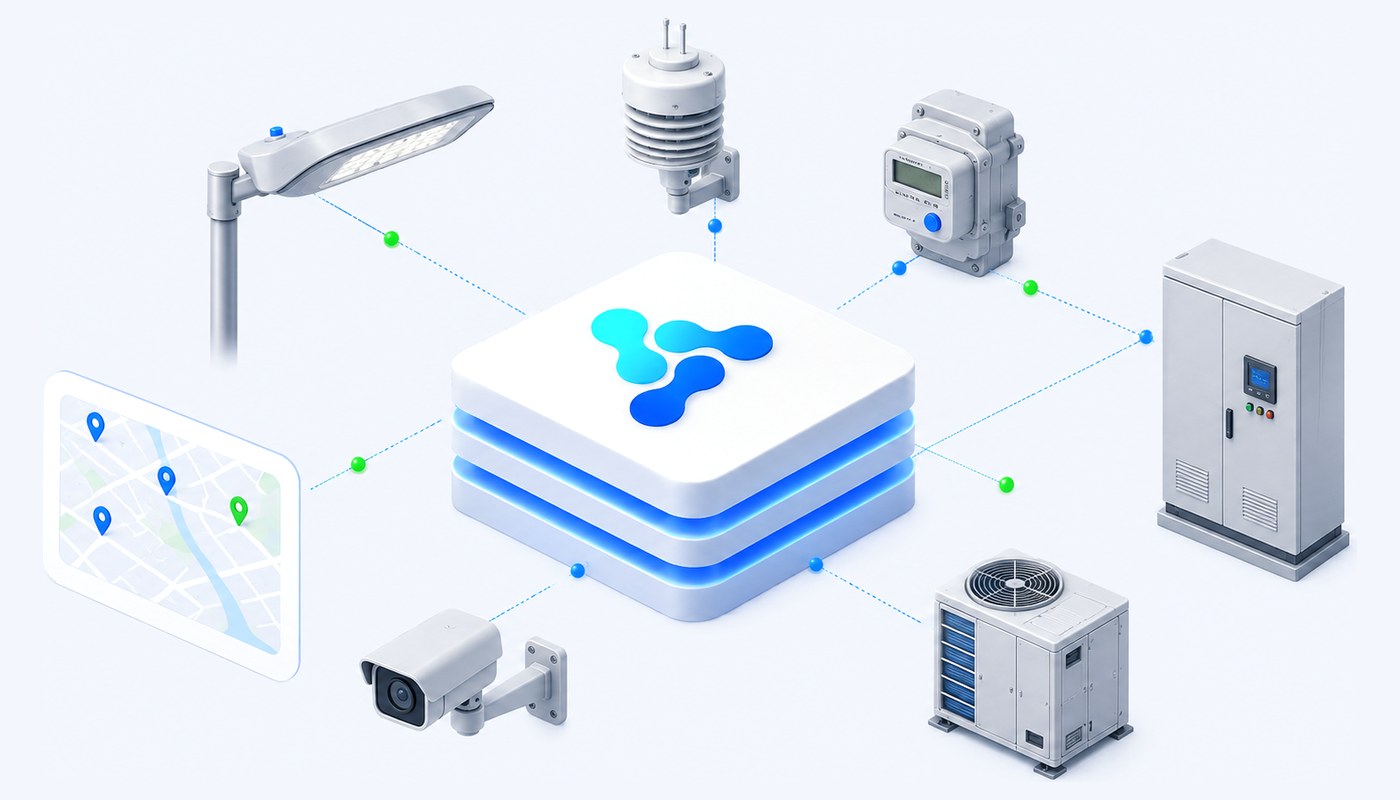
Explore solutions built on Vision Smart Platform.
Each solution combines devices, connectivity, platform modules, dashboards and automation around a specific operational challenge.
One architecture. Many outcomes.
How it is built
A solution is a configuration, not a rebuild.
Every solution on this page follows the same six steps. What differs between them is the equipment, the payloads and the rules — not the platform underneath.
1
Define the model
Describe the class of equipment once — its parameters, data types, units of measure and defaults.
2
Add the version
Attach the commercial product: internal and manufacturer codes, the vendor, and any configuration specific to that version.
3
Enroll the instances
Register the units actually installed, with their location and their place in an IoT system or group.
4
Map metrics and commands
Metric templates extract values from the incoming payload; command templates define what can be sent back, and which response metrics validate it.
5
Add the rules
Conditions on metrics, parameters and time combine with AND/OR to trigger commands, notifications or parameter changes.
6
Build the screens
Dashboards, widgets and a map profile turn the model into the view an operator actually works in.
Attributes are inherited, not retyped. What is defined on a model is inherited by its versions and instances, and can be overridden locally where a particular unit needs it.
Common foundation
What every solution inherits.
None of this is rebuilt per project. It is the same platform underneath, which is why a second solution costs less than the first.
Digital twin registry
Model, version and instance, with attributes inherited downwards and overridable locally.
Reusable dynamic attributes
Parameters, metric templates and command templates — defined once, used in rules, screens and commands.
Command validation
Commands carry the parameters needed at execution, the response metrics that confirm them, and a state over time.
Visual rules engine
Predefined operators, AND/OR combinations, priorities and operational enable/disable — built in an editor, not in code.
Dashboards and widgets
Operational screens defined per version and per installation, from a widget palette.
Maps and spatial operations
Devices, groups and systems on interactive maps, with filters, shapes and map profiles.
Roles, permissions and audit
Identity and access control, plus a change history with old and new values on practically every entity.
Administration and nomenclators
Organisational units, operators, states, units of measure, data types and the holiday calendar.
Integration and deployment fit
By sector
Where these solutions are deployed.
The same solutions look different depending on who operates them, what they already own and what they are accountable for.
Cities & Public Infrastructure
Street lighting, environmental monitoring and public assets under one operational model.
Utilities
Distributed metering and network assets, with consumption data and controlled actions.
Industry & Critical Infrastructure
Telemetry, alarms and controlled commands across industrial and critical sites.
Buildings & Campuses
Lighting, energy and environmental systems across a portfolio of buildings.
Defence
Connected assets and operational awareness in constrained, controlled environments.
Have a specific infrastructure challenge?
Tell us what you need to connect and what outcome you want to achieve.