Security & Audit

Know who changed what, and when.

Access is granted through roles, not exceptions. Changes are recorded in plain language, with the old value and the new one, on practically every entity the platform manages.
Book a DemoTalk to an Expert

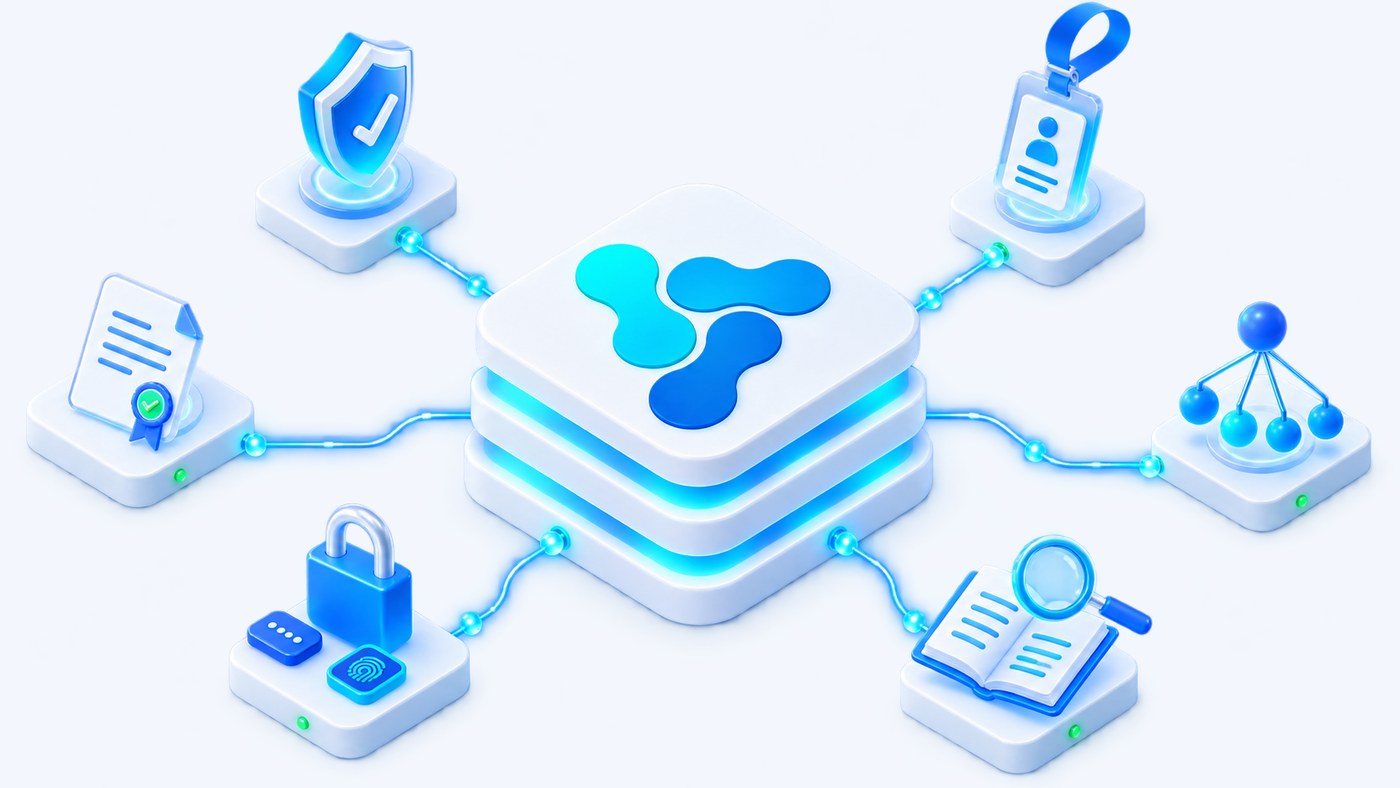
Vision Smart Platform security and audit: role shield, identity badge, organization tree, certificate, two-step sign-in and an audit ledger
Role-basedPermissions at menu, entity and action level, over the UI and the API
RecordedUser, date and action on practically every entity
ReadableAudit messages name the field and both values, not an internal id

Control who can act, and keep the record.

The same model governs the interface and the API. What a role cannot do through a screen, it cannot do through an integration either — and whatever anyone does do is written down.

Role-based access control
Users belong to groups, groups aggregate roles, roles aggregate permissions. Access follows the chain, so a change of responsibility is a change of group, not a rewrite of individual rights.
Permissions at three levels
Menu visibility, entity access, and the create, read, update and delete actions on that entity — applied to the interface and to the API alike.
Conditional visibility
Visibility can be scoped to specific IoT systems, device groups and equipment, so an operator sees the part of the estate they are responsible for.
Audit on every entity
Practically every administered entity exposes an Audit section with the same three columns: user, date and action.
Application logs
General logs and authentication logs on separate tabs, consultation-only, with filtering and export.
Password policy and two-step sign-in
A global password-complexity policy with mandatory fields, and two-step authentication available at profile level.

Access follows a chain, not a list of exceptions.

Nobody is granted a permission directly. Rights arrive through membership, and that is what makes them reviewable: you can read a person’s access by reading their groups.

1
User
An account with its organization unit, contact details and an enabled or disabled state.
2
User groups
A user belongs to one or more groups. Groups can have a parent group, so the structure follows the organization rather than fighting it.
3
Roles
Groups aggregate roles. The role is the unit you assign, and the unit you review.
4
Permissions
Roles aggregate permissions: which menus are visible, which entities are reachable, and which of create, read, update and delete are allowed.

An audit line you can read without a database.

Audit entries are written in natural language and carry both values — the one that was there and the one that replaced it. Presentation changes are recorded too: the colour of a state, the position of a widget on a dashboard.

User
Date
Action
registry.admin
12 Mar, 09:14
The field Attribute name was changed from SeverityLevels* to SeverityLevels
integrator.01
12 Mar, 11:02
The field Decoder was changed
registry.admin
13 Mar, 08:37
The colour of state Critical was changed from #E4572E to #3F78E0
ops.viewer
13 Mar, 16:20
Widget Consumption chart was repositioned on the dashboard

Illustrative example, in the wording the platform uses. The three columns — user, date and action — are the same on practically every administered entity, from a device model to a dashboard widget.

Two log streams, both exportable.

The log module separates what the application did from who signed in. Both grids are consultation-only — the record cannot be edited from inside the product, only read, filtered and exported.

General logs
What the application did
  • Columns for ID, username, date, type and message
  • Type is an enumerator, so entries can be filtered by category
  • Consultation-only grid, with filtering and export
Authentication logs
Who signed in
  • Sign-in activity on its own tab, separate from application events
  • The same grid pattern, with its own filters and export
  • Reviewed independently of operational logs
Retention
What running it involves
  • Volume grows with the estate, so an archiving policy is part of operating the platform
  • Scheduled jobs can clean up stored metrics and commands on a Quartz schedule
  • Periodic review of the logs belongs in the operations routine, not in an incident

Accounts, certificates and the shape of your organization.

Identity is not a separate system bolted on the side. Accounts, the units they belong to and the credentials they use are administered in the platform, under the same audit as everything else.

User accounts
Username, first and last name, email, phone, organization unit and an enabled or disabled state — with group membership, certificates and audit each on their own tab.
Certificates
A dedicated tab on the user record for certificate-based credentials, kept alongside group membership rather than in a separate system.
Organization units
A hierarchical tree with its own filters and a collapse control, where each unit carries the accounts attached to it and its own audit tab.
Password policy
A global password-complexity policy with mandatory fields, and two-step authentication available at profile level. Setting these to your organization’s standard is part of a production deployment, not a default to inherit.

Bring us your audit requirement.

Tell us who needs to see what, and what your auditors ask for. We will map it onto roles, groups and the trail the platform already keeps.

Discuss your project