PARTNERS
Build connected infrastructure together.
Vendor, integrator and client are roles inside the platform, not positions in a contract. Describe your equipment once, and every project after that starts from what already exists.
OPERATING MODEL
Three roles. One operating model.
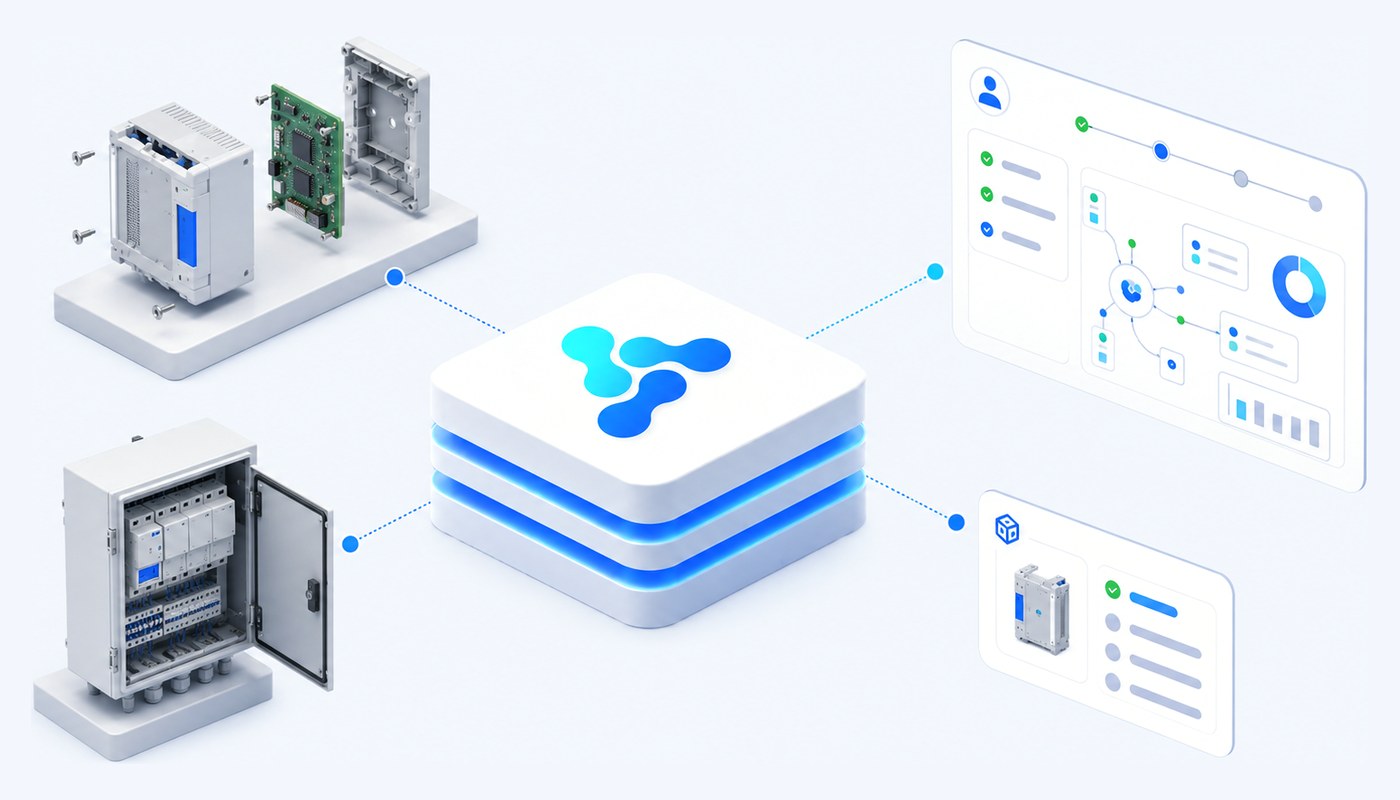
Vendor, integrator and client are not labels we use in a slide deck. They are roles in the platform registry, and the rest of the configuration references them.
Vendor
You make the equipment
You define what your device is, how it speaks and what it can be asked to do — once, as a model and its versions.
Vendor is a mandatory attribute of every equipment version, so each installed device stays traceable to its origin.
Integrator
You build and run the system
You assemble the installation from models that already exist, configure the rules and the screens, and keep it operating afterwards.
Integrator is a mandatory field on every IoT system, alongside the client it belongs to.
Client
You operate the infrastructure
You are the beneficiary of the system: the inventory, the reported commands, the dashboard and the retention policy are yours.
Client is a mandatory field on the IoT system, and it can hold more than one organisation.
FOR DEVICE MAKERS
From device expertise to a reusable platform model.
The work of making a product understandable to the platform is done once. Every unit shipped afterwards inherits it.
01
Model
Describe the category of equipment — a DALI luminaire, a temperature sensor, an analogue pressure switch. The model is abstract: it is not tied to any physical unit.
02
Version
Fix the technical characteristics of a concrete product line, and attach the vendor. Metric and command templates live here.
03
CODEC
Turn the raw payload into a standardised structure. Metric templates extract values from JSON or XML, apply an optional preprocessing function and attach a data type and a unit of measure.
04
Commands
Declare what the device can be asked to do, with its parameters and value ranges — so the platform can validate a command before it is sent.
05
Enrollment
Define reusable enrollment templates for keys, identifiers, network parameters and the integration instance, so devices can be brought in in bulk rather than one by one.
FOR INTEGRATORS
From project delivery to ongoing operation.
An installation is not a folder of scripts. It is an IoT system in the platform, with an owner, an inventory, a set of rules and a data policy.
What you configure once per installation
The system record is where the commercial context and the technical context meet.
- Client and integrator — both mandatory, so it is always clear whose installation this is and who maintains it.
- Inventory — accessories, controllers, simple devices, communication devices and groups, each on its own tab.
- Rules — evaluated against metrics and states, issuing validated commands back to the field.
- Dashboard and map — an editable dashboard per system, plus the interactive map with device layers and filters.
- Retention — automatic deletion configured in years, months and days, with the archive sent to named recipients first.
What you get back while operating it
The platform records what happened, so maintenance is not guesswork.
- Reported commands — everything sent to the devices of the system, filterable by name, date range, status and value, with export.
- Audit history — creation, editing and deletion recorded centrally with date, time, author and description.
- Access control — users, groups, roles and permissions down to menu, entity and action, through the interface and the API alike.
- Enrollment states — where each device is in the process of being brought into the system.
- Groups — logical groupings that carry their own rules and their own view on the map.
HARDWARE
Equipment we already work with.
The platform models four functional classes of equipment. Whatever a hardware partner makes falls into one of them — and establishing which is the first thing we do together, because it decides everything that follows.
Simple devices
Field objects that generate or reflect data of interest: sensors, transducers, actuators, luminaires, access points and the like.
Controllers
Equipment that aggregates, processes, interprets and forwards the data of simple devices. It can receive commands and can operate autonomously on site.
Communication devices
Gateways, routers, switches and access points — everything that carries traffic between the field and the platform.
Accessories
Auxiliary components: mounts, enclosures, antennas, adapters, cables and anything else attachable to the equipment above.
Some of it is ours
Vision designs and manufactures connected equipment used in its own projects, from LED lighting modules and sensors to connectivity modules, street furniture and custom electronics. It reaches the platform through exactly the same path as any other vendor’s — model, version, codec, templates — so nothing about the architecture depends on buying it.
See the Vision equipment range
What a hardware partner brings
- The product line, and which functional class it belongs to
- The protocol it speaks, and the network it speaks it over
- A real payload, and the meaning of every field in it
- The commands it accepts, with parameters and value ranges
- A unit to test against, or a reference payload
What happens on our side
- The model and its versions are created in the registry, with the vendor attached
- A codec turns the payload into standardised metrics with types and units
- Command templates are declared, so commands can be validated before they are sent
- Enrollment templates are prepared for bringing units in in bulk
- From then on, every project reuses that description instead of repeating it
REUSE
Reuse what should not be rebuilt.
The reason the second project is faster than the first is not a discount. It is that the description of the equipment, and the way it is read and commanded, already exists.
Models and versions
Once a product line is described, every later project starts from that description instead of re-reading a datasheet.
Metric and command templates
The extraction expression, the preprocessing function, the data type and the unit are attached to the version, not to a single device.
Enrollment templates
Keys, identifiers, network parameters and the integration instance are filled in from a template, for a batch rather than a unit.
Protocol instances
A configured protocol service can serve more than one installation; adding a protocol is a deployment step, not a change to the model.
Nomenclators
States, units of measure, data types and organisational units are defined once and referenced everywhere they are needed.
Dashboards and widgets
The widget palette is shared between version dashboards and system dashboards, so an operator screen designed once travels with the equipment.
NEXT STEP
Start with the architecture you already know.
Tell us what your equipment does and how it communicates today. That is usually enough to say how it maps onto the platform, and what is left to build.