Buildings & Campuses
Unify building systems and connected operations.
Bring lighting, environment, energy and building devices into one platform.
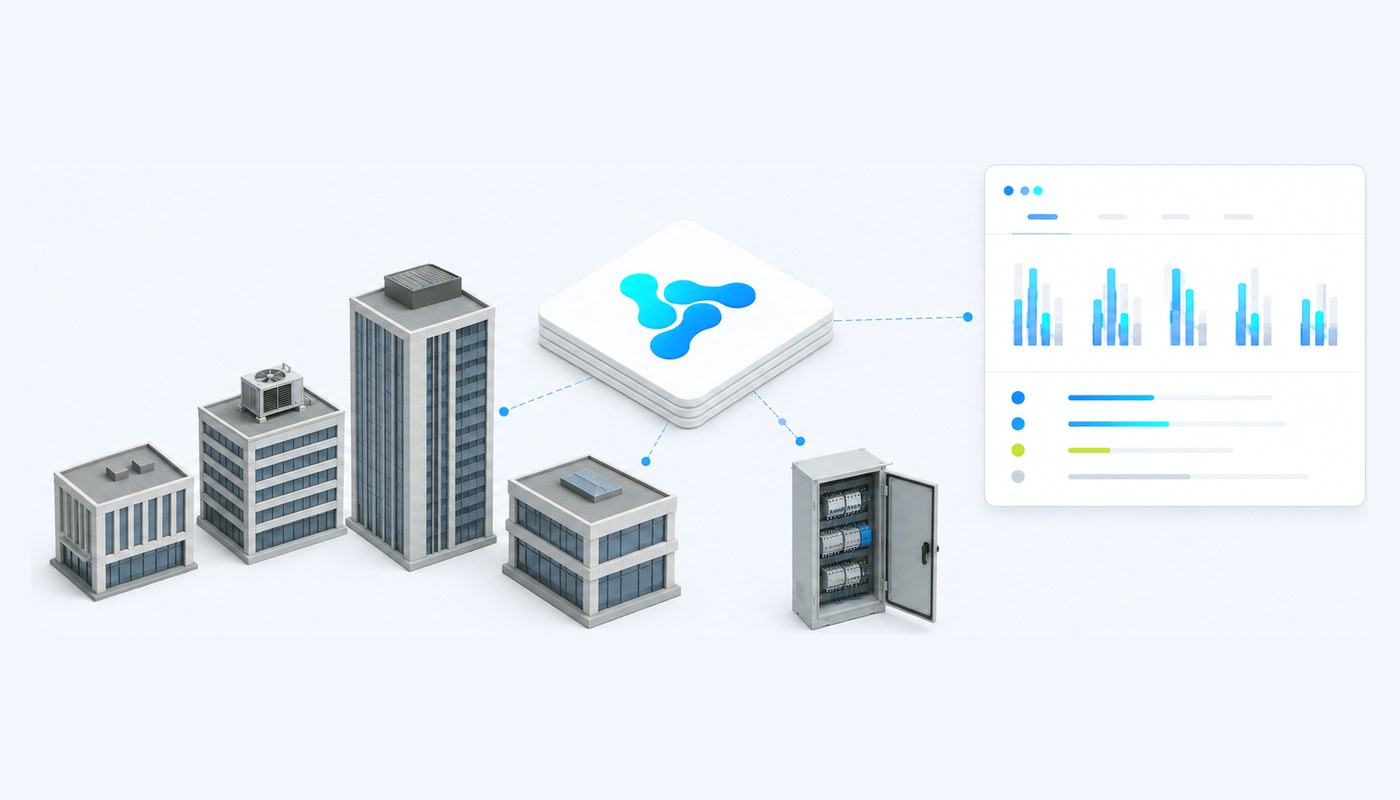
What a campus operates
Many buildings, one operating budget.
Whether it is a university, a hospital group, a corporate estate or a housing portfolio, the shape is the same.
Lighting, indoors and out
Interior lighting, car parks, walkways and perimeter — often the first place operating cost becomes visible.
Energy and sub-metering
Consumption per building, per floor or per tenant, which is only useful when it is comparable.
Environmental conditions
Temperature, humidity and air quality, both as comfort and as a compliance obligation.
Building equipment
Controllers, cabinets and plant that were installed by different contractors in different years.
The site itself
Car parks, external areas and shared infrastructure that belong to no single building.
A facilities team, not an IT department
The people operating this are measured on uptime and cost, and have limited appetite for another system to learn.
Where it gets hard
The second building is where the trouble starts.
One building with a good BMS is a solved problem. A portfolio is a different question entirely.
Every building has its own system
Installed by whoever built it, in whatever year. Each has its own interface, its own logins and its own vocabulary.
Comparison is a manual exercise
Which building costs most to run, and why, is usually answered by someone exporting spreadsheets and reconciling them.
Policy does not propagate
A decision taken once has to be re-entered building by building, which means it drifts almost immediately.
What the platform gives an estate
Portfolio-level operation, building-level control.
The mechanisms that let one team run many buildings without flattening the differences between them.
Each building an IoT system
Its own inventory, dashboard, retention policy and the parties responsible for it — inside one platform.
Equipment described once
The same luminaire in twelve buildings is one version and twelve instances, not twelve separate descriptions.
Consumption that compares honestly
Shared units of measure and timestamps are what make one building comparable with another at all.
Policy as rules
A schedule or a threshold is configured once and applied to a device, a group or a whole system.
Zones and floors as groups
Assets can be grouped the way the facilities team actually works, and commanded at that level.
A calendar that matters
Rules can evaluate date, time and day against a configurable calendar of public holidays.
Screens per role
A technician, a facilities manager and a finance director get different dashboards from the same data.
Sites on the map
Buildings, groups and systems on the interactive map, with filters and map profiles.
Changes on the record
Practically every entity carries an audit trail with old and new values, including changes to configuration and presentation.
Where to start
The solutions estates usually deploy first.
Lighting and metering are normally the entry point, because that is where the bill is.
Smart Buildings / BMS
Lighting, energy and environmental systems across the portfolio, with policy applied as rules.
Smart Lighting
Interior, exterior and car park lighting under one registry, with dimming, schedules and fault monitoring.
Smart Metering
Sub-metering per building, floor or tenant, timestamped and comparable across the estate.
Smart Environment
Temperature, humidity and air quality as comparable metrics, with thresholds that act.
Smart Video & Analytics
Detections that become operational events other equipment can respond to.
What it is built on
The platform capabilities behind an estate deployment.
Each has its own page, with what it does and how it is configured.
Digital Twins & Device Lifecycle
Building equipment as models, versions and instances, with each building its own IoT system.
Rules & Automation
Schedules, thresholds and conditions applied to devices, groups or whole buildings.
Data, Metrics & Commands
Metric templates that normalise readings, and command templates with response validation.
Dashboards & Visualization
Portfolio and per-building screens, defined per version and per installation.
Enterprise Administration
Organisational units, units of measure, data types, states and the holiday calendar.
Security & Audit
Roles and permissions per organisational unit, with a change history on practically every entity.
Fit with an existing estate
Discuss your infrastructure.
We will help map your current architecture and operational goals to Vision.